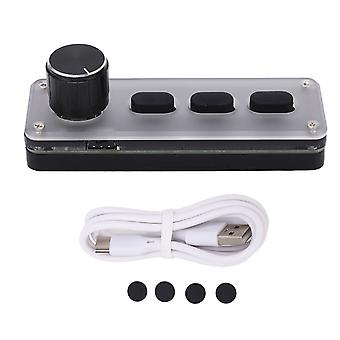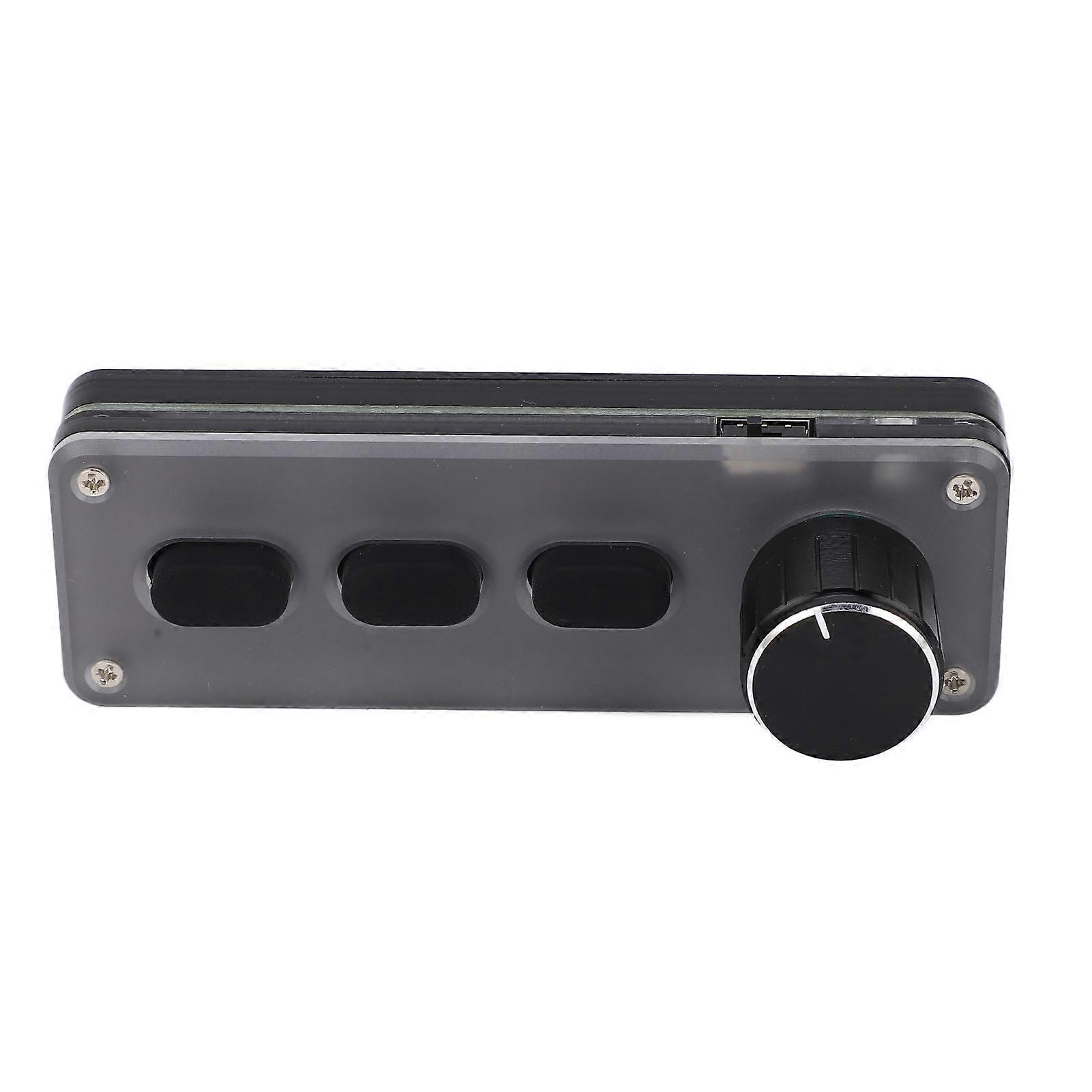
One Handed Mechanical Gaming Keypad, 3 Keys, Bluetooth, 100x34x33mm

CHF 30.95
+ CHF 3.49 Versand

One Handed Mechanical Gaming Keypad, 3 Keys, Bluetooth, 100x34x33mm

  • Marke: Unbranded
Verkauft von:

One Handed Mechanical Gaming Keypad, 3 Keys, Bluetooth, 100x34x33mm

  • Marke: Unbranded

CHF 30.95

Bespaar CHF 13.00 (29%)

UVP

CHF 43.95
Auf Lager
+ CHF 3.49 Versand

14-Tage-Rückgabepolitik

Verkauft von:

CHF 30.95

Bespaar CHF 13.00 (29%)

UVP

CHF 43.95
Auf Lager
+ CHF 3.49 Versand

14-Tage-Rückgabepolitik

Zahlungsmethoden:

Beschreibung

One Handed Mechanical Gaming Keypad, 3 Keys, Bluetooth, 100x34x33mm

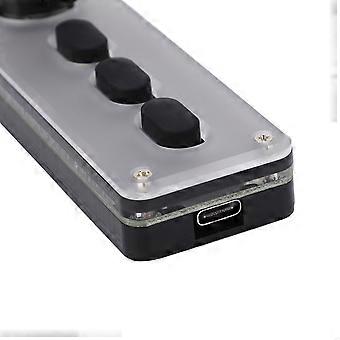
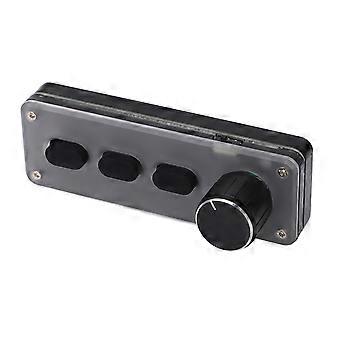
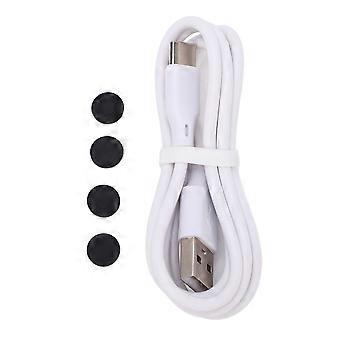
One Handed Mechanical Gaming Keypad 3 Keys Bluetooth Multifunction Plug and Play for Office Gaming Lab Recording Studio Item Type: Programmable KeyboardMaterial: Silica Gel, Acrylic Purpose: Suitable for recording studio, office, drawing design, game, music, multimedia, industrial control, laboratory, production line testing and other fields Connection Mode: Bluetooth Wireless, USB Wired Connection System Support: for Windows, for Vista, for Linux, for OS X Key Life: Up To 50 Million Times Size: Approx. 100 x 34 x 33mm / 3.94 x 1.34 x 1.3in Battery Type: 600mAh Lithium Battery x 1 (Built in) Charging Voltage: DC5V, 1A Working Temperature: - 10-50 ℃How e:1. Connect the keypad to the computer and open the customized software on the computer;2. On the customized definition software, click (yellow area) key setting area or knob setting area, and then click any key (green area) of KEY1‑KEY12 or knob 1 or knob 2 to be set; when selected, it will display red.3. Click the function key corresponding to the simulation keyboard on the customized software, and click Download to prompt that the download is successful, and our customized keypad can be used. For example, if I want to set keypad key 1 as the shortcut key for copying (Ctrl+C), click the Key Setting Area on the software, click KEY1, and then click Ctrl and C on the software simulation keyboard, and click Download to prompt that the download is successful.4. Multimedia function setting: click to simulate keyboard multimedia on the setting software, select the function we need to set, click Download to download, and you can use it when the download is successful5. Mouse function setting: click the analog keyboard and mouse on the setting software, click the button or the button corresponding to the knob, select the function we need to set, click Download to download, and it will prompt that the download is successful. (Prompt: You can set the mouse function, but you cannot move the computer cursor temporarily)6. Layer function setting: click the top right of the setting software to select the layer that we need to set, then click the function that needs to be set on the simulation keyboard, click Download to download, and you will be prompted that the download is successful. The keyboard has three layers of functions, that is, one key can set three different functions. The layer keys on the keyboard can be pressed to switch to one layer, and the corresponding indicator light flashes at the same time7. Bluetooth connection: First pull out the USB data cable (USB wired mode is entered by default when connecting to the USB interface), and then turn the battery switch on to the ON side. Then turn on the Bluetooth function on the computer or mobile phone, search for a Bluetooth name named HID Keyboard or MINI_KEYBOARD, click the Bluetooth name to pair, and use it after a successful connection
  • Fruugo-ID: 411391784-870352252
  • EAN: 9461334112615

Lieferung und Rückgaben

Versand innerhalb von 24 Stunden

  • STANDARD: CHF 3.49 - Lieferung zwischen Do. 29 Januar 2026–Fr. 06 Februar 2026

Versand von China.

Wir tun unser Bestes, um dafür zu sorgen, dass die von Ihnen bestellten Produkte vollständig und gemäß Ihrer Spezifikationen an Sie geliefert werden. Wenn Sie allerdings eine unvollständige Bestellung oder Artikel erhalten, die sich von den bestellten unterscheiden, oder es einen anderen Grund gibt, warum Sie mit Ihrer Bestellung nicht zufrieden sind, können Sie die gesamte Bestellung oder einzelne darin enthaltenen Produkte zurücksenden und eine vollständige Rückerstattung für die Artikel erhalten. Vollständige Rückgaberichtlinie ansehen

Details zur Produktkonformität

Bitte beachten Sie die unten aufgeführten Konformitätsinformationen zu diesem Produkt.

Die folgenden Informationen werden vom unabhängigen Drittanbieter bereitgestellt, der dieses Produkt verkauft.

Hersteller:
Es folgen die Kontaktdaten für den Hersteller des jeweiligen Produkts, das auf Fruugo verkauft wird.

  • Guangzhoushiyiangongchuangwangluojishu Co.,Ltd.
  • Guangzhoushiyiangongchuangwangluojishu Co.,Ltd.
  • Room201,AreaB,No.280,Zhongshan Avenue East
  • Huangpu
  • Guangzhou
  • Guangdong
  • China
  • 518000
  • firzen.pan@gmail.com
  • +8619128656319

Verantwortliche Person in der EU:
Es folgen die Kontaktinformationen für die verantwortliche Person in der EU. Die verantwortliche Person ist der benannte Wirtschaftsteilnehmer mit Sitz in der EU und verantwortlich für die Compliance-Verpflichtungen in Verbindung mit dem jeweiligen Produkt, das in die Europäische Union verkauft wird.

  • SUCCESS COURIER SL
  • SUCCESS COURIER SL
  • CALLE RIO TORMES NUM.1.PLANTA 1,DERECHA.OFICINA3.Fuenlabrada.
  • Madrid
  • Spain
  • 28947
  • successservice2@hotmail.com
  • +34910602659