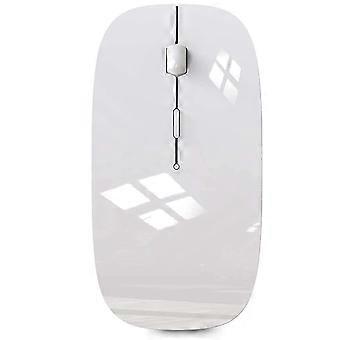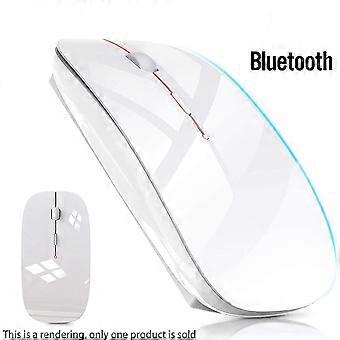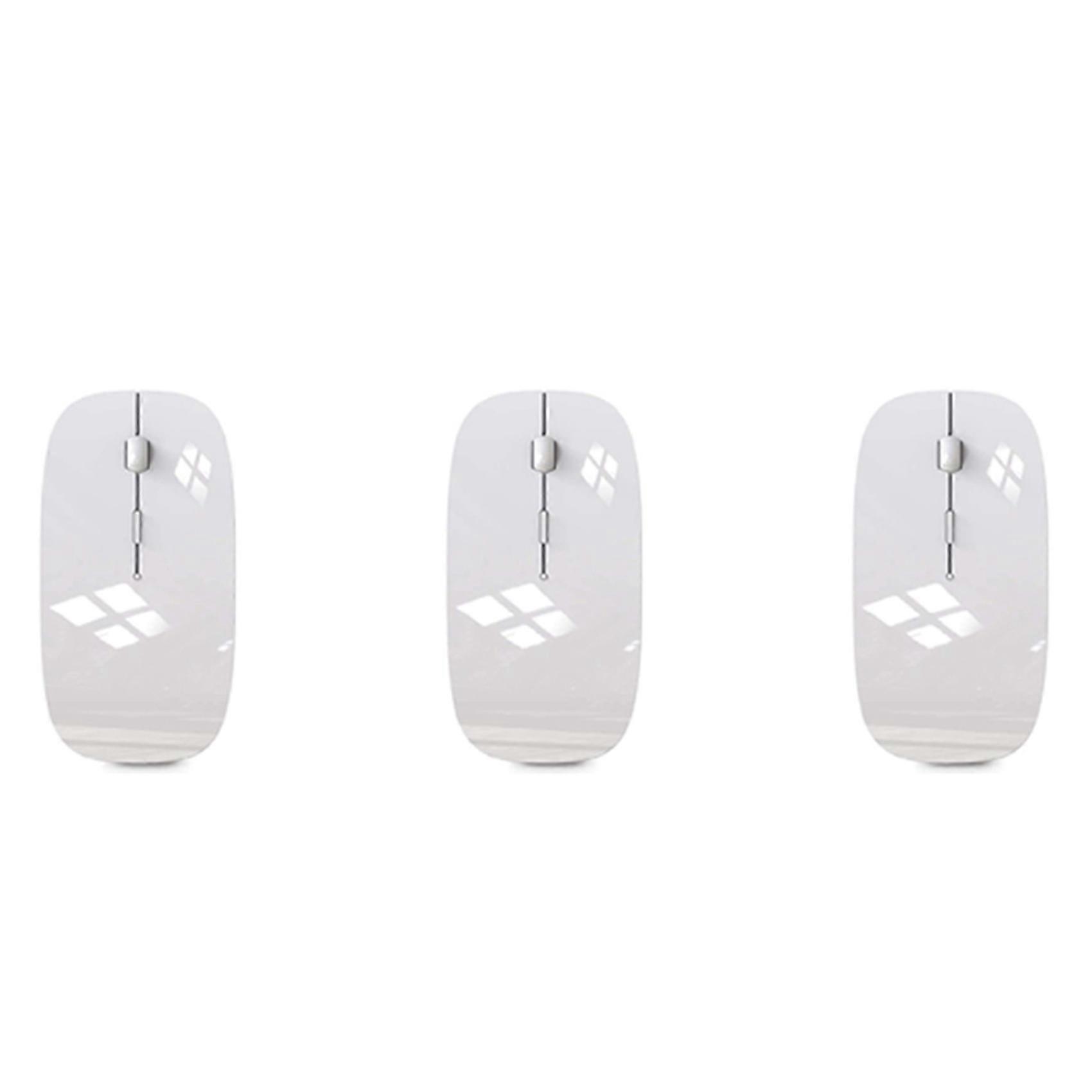
3X Wireless Mouse for MacBook Air Bluetooth Mouse for MacBook Pro Air Laptop MacBook Mac Windows Bluetooth Mouse

CHF 20.95
+ CHF 3.99 Spedizione

3X Wireless Mouse for MacBook Air Bluetooth Mouse for MacBook Pro Air Laptop MacBook Mac Windows Bluetooth Mouse

  • Marchio: Unbranded
Venduto da:

3X Wireless Mouse for MacBook Air Bluetooth Mouse for MacBook Pro Air Laptop MacBook Mac Windows Bluetooth Mouse

  • Marchio: Unbranded

CHF 20.95

Disponibile
+ CHF 3.99 Spedizione

Politica di reso a 14 giorni

Venduto da:

CHF 20.95

Disponibile
+ CHF 3.99 Spedizione

Politica di reso a 14 giorni

Metodi di pagamento:

Descrizione

3X Wireless Mouse for MacBook Air Bluetooth Mouse for MacBook Pro Air Laptop MacBook Mac Windows Bluetooth Mouse

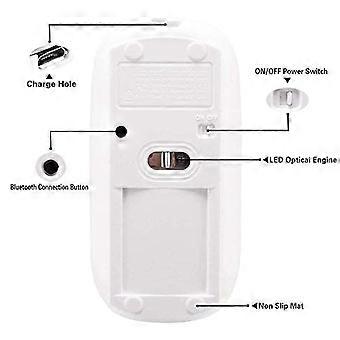
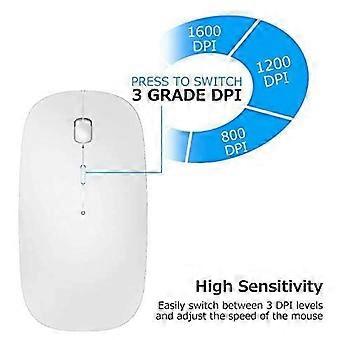
[Best compatible Bluetooth 4.0 chip]-Compatible with more than 99% Bluetooth devices. Connect iPad 10.2 2019, iPad 9.7 inches 2018, iPad 9.7 2017, iPad Pro 12.9 inches / 11.0 inches / 10.5 inches / 9.7 inches, iPad Air 10.5 / Air 2, iPad mini 5/ 4, iPhone 11 Pro Max, iPhone 11 Pro, iPhone 11, iPhone Xs Max, etc. PC, Macbook pro air 2012/2017/2018/2019 laptop, laptop, Mac OS; support Win7 Win8 Win10 Linux OS X or Android tablet Comfortable Contact and ultra-thin design: symmetrical and ergonomic design makes this wireless Bluetooth mouse suitable for left and right hands. Excellent surface coating technology brings you a Contact like skin. Ultra-thin and portable, the mouse can be used anytime and anywhere during travel. Very suitable for use at work/study/play. Mute click and adjustable DPI: The special silent design of the left and right buttons allows you to focus on work or playing games without disturbing others. Switch between DPI levels 800, 1200 and 1600 to meet your needs with high precision. Advanced optical tracking technology ensures greater sensitivity and can accurately track on various surfaces. Rechargeable and saving Erengy: The mouse has a built-in rechargeable battery with a charging cable. No need to replace the battery. In order to save power and long-term use, the mouse will automatically enter sleep mode after 11 minutes of inactivity, just click any button to wake it up. How to use a Bluetooth mouse: turn on the mouse switch, open the computer system preferences, and turn on the Bluetooth function. When the computer Bluetooth shows that it is searching for nearby Bluetooth devices, you need to hold down the "black button" at the bottom of the mouse and hold down 3-6 Seconds, then your computer will display the Bluetooth mouse when searching for the device, then click to connect it, and then successfully connect Howto update the software version? (Open iPad settings and click General to find the software update function) Click Download to inst
  • ID Fruugo: 464010625-976231970
  • EAN: 6033282289089

Informazioni sulla sicurezza del prodotto

Si prega di consultare le informazioni sulla sicurezza del prodotto specifiche per questo prodotto descritte di seguito

Le seguenti informazioni sono fornite dal rivenditore terzo indipendente che vende questo prodotto.

Codice articolo del produttore: I750117526
Numero di serie: I750117526

Consegne e Resi

Spedito entro 24 ore

  • STANDARD: CHF 3.99 - Consegna tra lun 16 febbraio 2026–ven 20 febbraio 2026

Spedizione da Cina.

Facciamo del nostro meglio per assicurare che i prodotti che ordini vengano consegnati integralmente e secondo le tue indicazioni. Tuttavia, nel caso dovessi ricevere un ordine incompleto, oppure articoli differenti rispetto a quelli che hai ordinato, o se c'è qualche altro motivo per il quale non sei soddisfatto dell'ordine, puoi effettuare il reso dell'ordine, o qualsiasi prodotto incluso nell'ordine e ricevere un rimborso completo per gli articoli. Visualizza la politica di reso completa