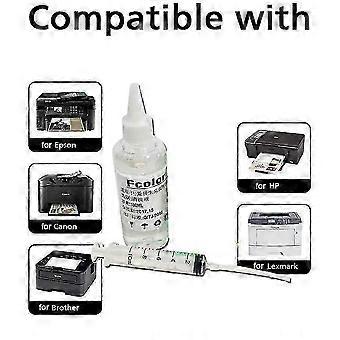
compatible with Epson Printer Cleaning Kit Flush Cleaner Unblock Print fits Head-jianc

CHF 46.95
+ CHF 11.99 Spedizione

compatible with Epson Printer Cleaning Kit Flush Cleaner Unblock Print fits Head-jianc

  • Marchio: Unbranded
Venduto da:

compatible with Epson Printer Cleaning Kit Flush Cleaner Unblock Print fits Head-jianc

  • Marchio: Unbranded

CHF 46.95

Economizzare CHF 17.05 (26%)

Prezzo di vendita consigliato

CHF 64.00
Disponibile
+ CHF 11.99 Spedizione

Politica di reso a 14 giorni

Venduto da:

CHF 46.95

Economizzare CHF 17.05 (26%)

Prezzo di vendita consigliato

CHF 64.00
Disponibile
+ CHF 11.99 Spedizione

Politica di reso a 14 giorni

Metodi di pagamento:

Descrizione

compatible with Epson Printer Cleaning Kit Flush Cleaner Unblock Print fits Head-jianc

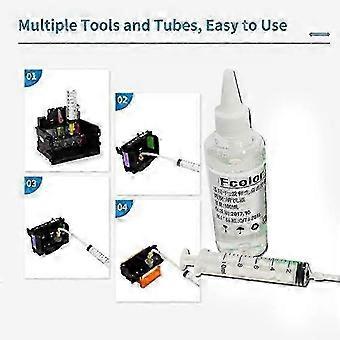
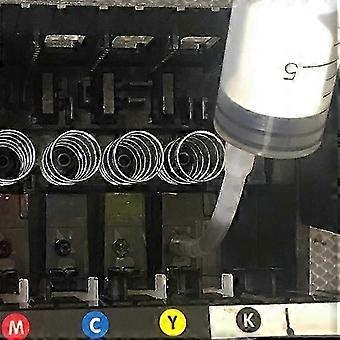
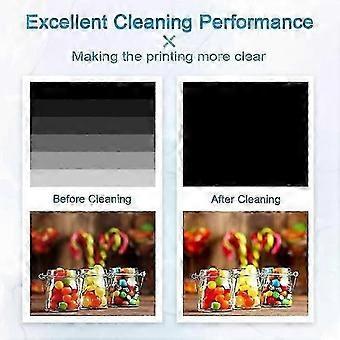
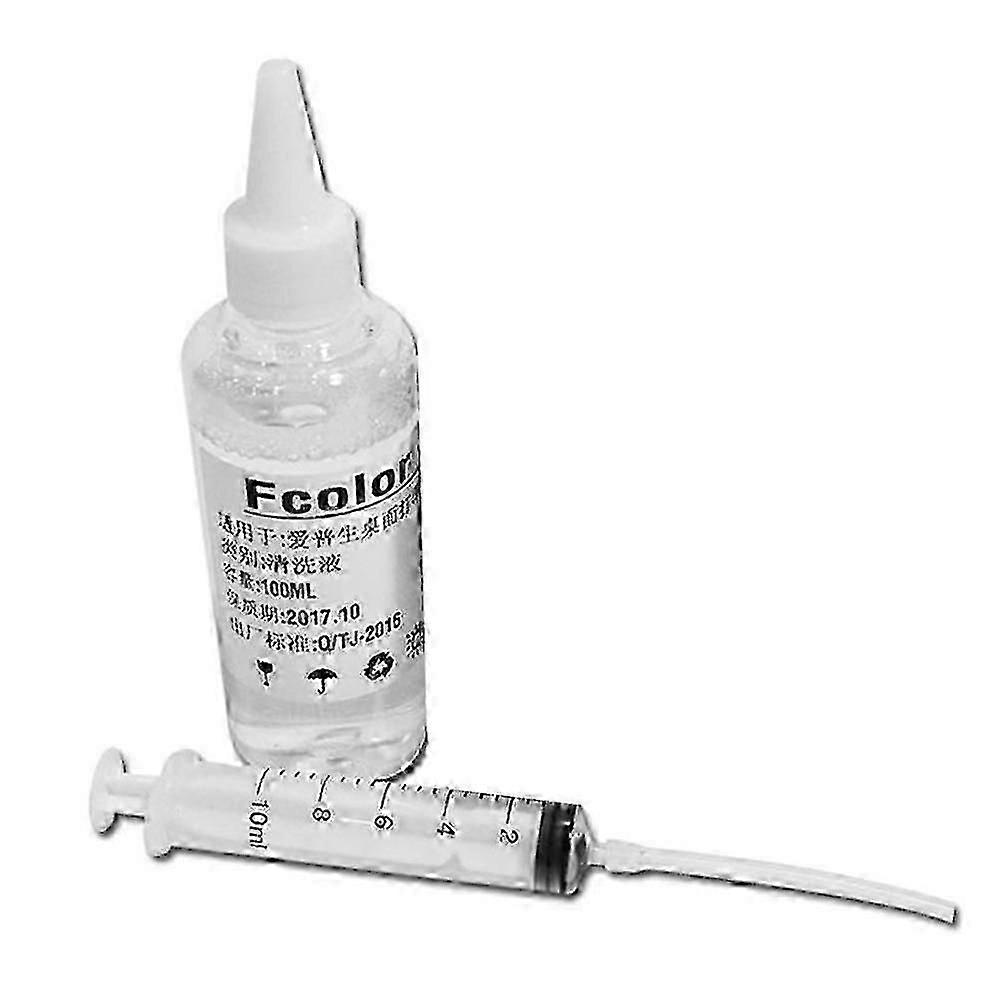
for Epson Printer Cleaning Kit Flush Cleaner Unblock Print fits Head-jianc Application process: Wet and soak solvent nozzles. Applicable models: 4-color/5-color/6-color/8-color/9-color/10-color/12-color desktop inkjet printer Product use: Clean the nozzle (print head) of the inkjet printer to make the printing ink smoother and protect the printer nozzle to extend its service life. Specific application: This product can clear most of the nozzle clogging and print disconnection caused by various reasons; it is simple to operate, easy to use, and does not damage the nozzle, just a few minutes! Net content: 100ml Cleaning steps: (procedures)↓ 1) Press the ink drop button to change the ink cartridge on the printer, the carriage will move to the position where the ink cartridge is replaced, and unplug the power cord; ↓ 2) Open the car cover and take out the ink cartridge; ↓ 3) Use a syringe to draw out some special cleaning fluid from the cleaning fluid bottle. ↓ 4) Put the small rubber tube on the syringe on the ink outlet in the carriage. (See the figure below for details) ↓ 5) Pour 1~2ml of special cleaning liquid into the ink outlet. → 6) Repeat the above steps for each ink outlet one by one. → 7) When the power is off, put the ink cartridge back into the carriage and cover the carriage cover. Place the printer for 2-3 hours (according to the clogging of the print head), and pay attention to keeping the power off. → 8) After 2-3 hours, turn on the power again and perform the nozzle cleaning operation. 9) Please clean the ink outlet at least once every 1 to 2 months. Such maintenance can prolong the service life of the printer. The package includes: 1*cleaning fluid 1*Needle tube
  • ID Fruugo: 513655700-1048722616
  • EAN: 9471821262358

Informazioni sulla sicurezza del prodotto

Si prega di consultare le informazioni sulla sicurezza del prodotto specifiche per questo prodotto descritte di seguito

Le seguenti informazioni sono fornite dal rivenditore terzo indipendente che vende questo prodotto.

Etichette di sicurezza del prodotto

CE Mark
Avvertenze di sicurezza: Important Safety Instructions Read Before Use: Please read all instructions and safety warnings before using this product. Failure to follow these guidelines may result in injury, damage, or malfunction. General Warnings Intended Use: Use this product only for its intended purpose as described in the user manual. Supervision Required: This product is not intended for use by children or persons with reduced physical, sensory, or mental capabilities without supervision. Inspection Before Use: Check for any signs of damage or wear before use. Do not use if damaged.

Consegna

Spedito entro 5 giorni

  • STANDARD: CHF 11.99 - Consegna tra mar 04 agosto 2026–mar 11 agosto 2026

Spedizione da Cina.

Resi

Facciamo del nostro meglio per assicurare che i prodotti che ordini vengano consegnati integralmente e secondo le tue indicazioni. Tuttavia, nel caso dovessi ricevere un ordine incompleto, oppure articoli differenti rispetto a quelli che hai ordinato, o se c'è qualche altro motivo per il quale non sei soddisfatto dell'ordine, puoi effettuare il reso dell'ordine, o qualsiasi prodotto incluso nell'ordine e ricevere un rimborso completo per gli articoli.

Visualizza la politica di reso completa