Descrizione
External PC Power Switch with Long Extension Cable and RGB Lighting for Desktop Computer
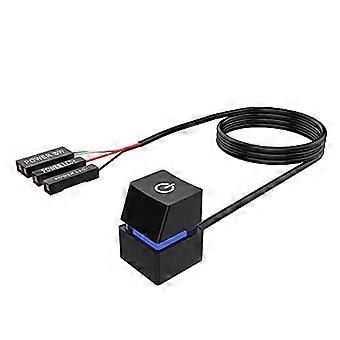
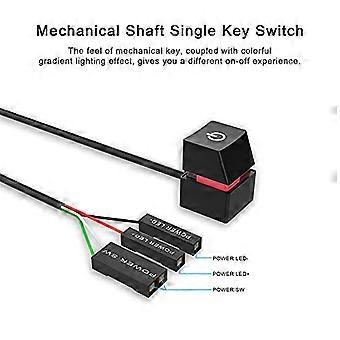
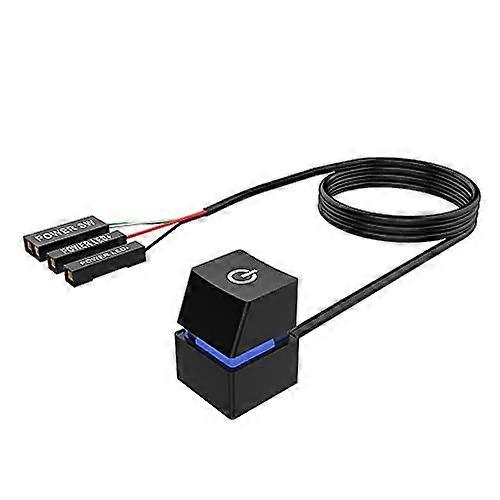
External desktop power switch with long cable and mechanical key action. Extends or relocates your PC power button while keeping the motherboard power LED connection for a colorful gradient lighting effect.
Key benefits
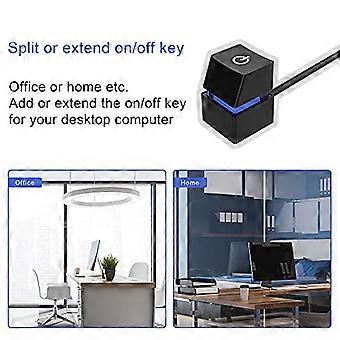
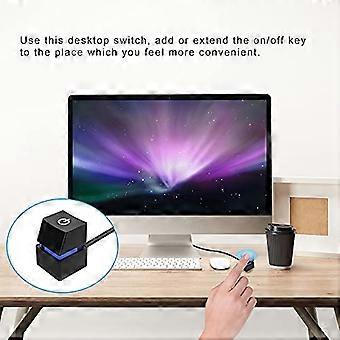
Makes the power button reachable when the case is tucked away or inaccessible.
Preserves original power LED function and can be used alone or alongside the factory power key via the included splitter.
Mechanical shaft key gives a tactile, keyboardlike press while the RGB gradient LED provides clear visual status.
Main features and specifications
Switch weight: about 1 oz (28 g).
Cable length: 78.7 in (200 cm) for flexible placement.
Case color: black. Case material: ABS plastic.
Case size: 0.78 in x 0.78 in x 1.18 in (20 x 20 x 30 mm).
Connection terminals: POWER SW, POWER LED+, POWER LED.
Mechanical shaft key switch for a distinct tactile feel.
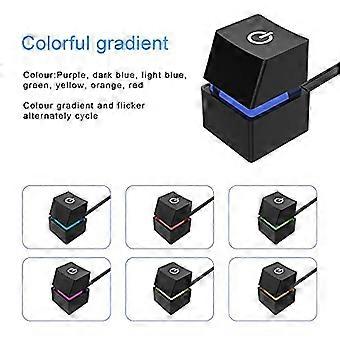
Colorful gradient light effect when POWER LED terminals are connected.
What is included
Desktop switch: 1 pc
Spare splitter wire (for POWER SW): 1 pc
Doublesided adhesive pad: 2 pcs
Cable tie: 2 pcs
Installation overview
Route the switch cable into the chassis through a suitable opening in the case rear.
Option A: the original power key with this external switch only. Connect POWER SW, then connect POWER LED+ and POWER LED in the correct polarity. Test button and LED.
Option B: Use both the original and external switches. Use the supplied splitter: attach the splitter to the motherboard POWER SW header, then connect both the original power SW wire and the external switch POWER SW wire to the splitter. Connect POWER LED+ and POWER LED one at a time, observing correct polarity, and confirm both buttons and LED work.
Option C: If you do not require the LED lighting, you may leave POWER LED+ and POWER LED unconnected.
Secure the cable with the supplied cable ties. Mount the switch in place using the supplied doublesided adhesive pad once position is confirmed.
Compatibility and precautions
Designed for standard desktop motherboards with POWER SW and POWER LED headers. Verify your motherboard has matching POWER SW, POWER LED+, and POWER LED pins before installation to avoid damage.
Do not reverse the POWER LED+ and POWER LED connections.
If using both switches, install the provided splitter as instructed to ensure both buttons operate correctly.
Practical use cases
Home theater PC stored in a cabinet where frontpanel access is limited.
Workstation or server rack where moving the power button to the desk improves convenience.
Custom PC builds and case mods where a different location or aesthetic is desired for the power button.
Notes
Confirm compatibility with your desktop system prior to installation to prevent unnecessary issues or chassis damage.
Follow the installation steps carefully and test connections before final mounting.
-
ID Fruugo:
520152246-1058839298
-
EAN:
6420722495863