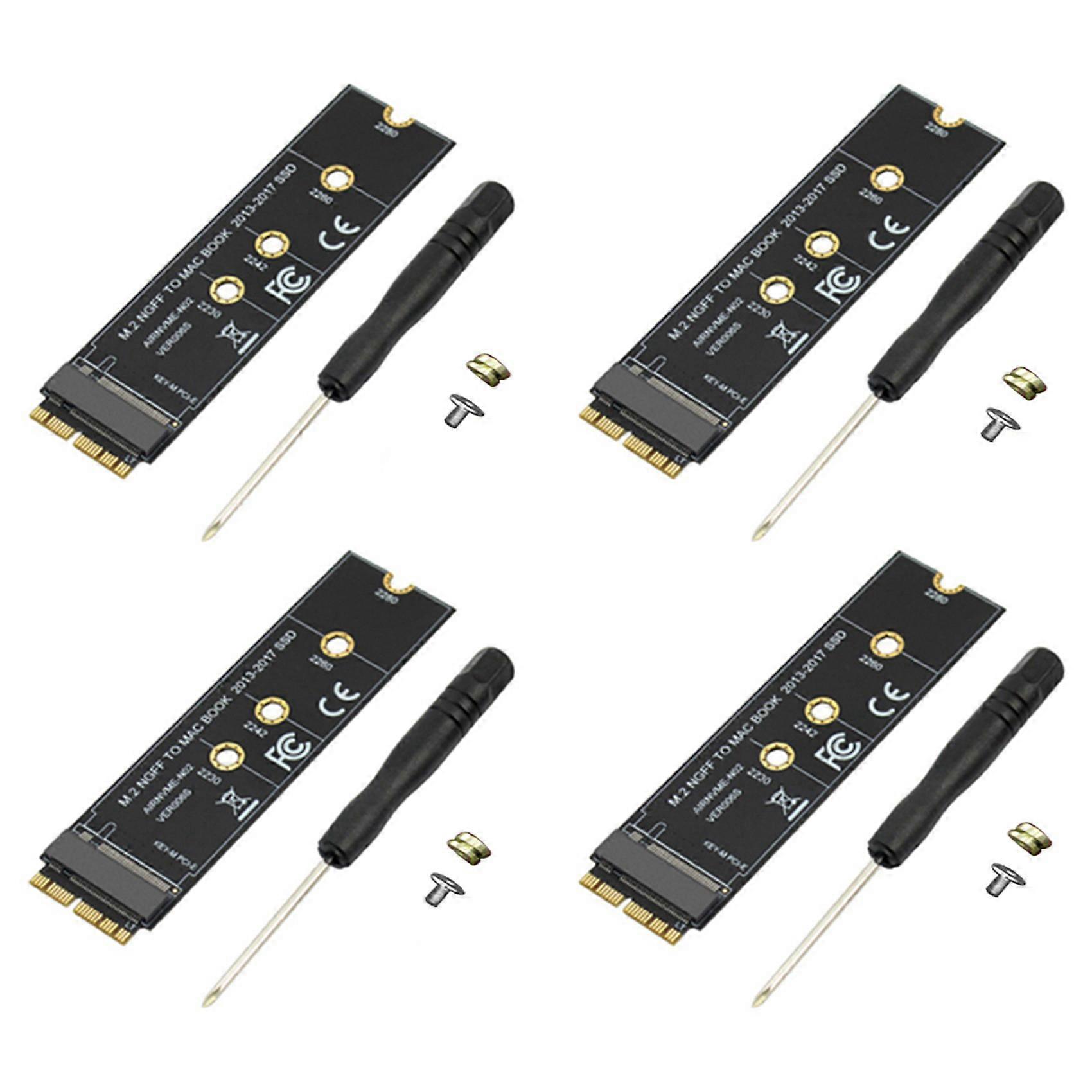
4X M.2 NVME SSD Convert Adapter Card for MacBook Air Pro Retina 2013-2017 NVME/AHCI SSD Kit for A1465 A1466 A1398 A1502

10.95 CHF
+ 3.49 CHF Livraison

4X M.2 NVME SSD Convert Adapter Card for MacBook Air Pro Retina 2013-2017 NVME/AHCI SSD Kit for A1465 A1466 A1398 A1502

  • Marque: Unbranded
Verkocht door:

4X M.2 NVME SSD Convert Adapter Card for MacBook Air Pro Retina 2013-2017 NVME/AHCI SSD Kit for A1465 A1466 A1398 A1502

  • Marque: Unbranded

10.95 CHF

En stock
+ 3.49 CHF Livraison

Politique de retour sur 14 jours

Verkocht door:

10.95 CHF

En stock
+ 3.49 CHF Livraison

Politique de retour sur 14 jours

Modes de paiement:

Description

4X M.2 NVME SSD Convert Adapter Card for MacBook Air Pro Retina 2013-2017 NVME/AHCI SSD Kit for A1465 A1466 A1398 A1502

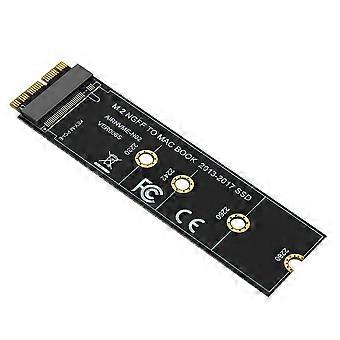
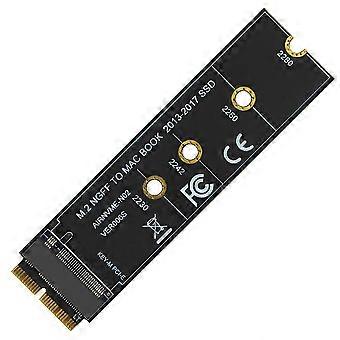
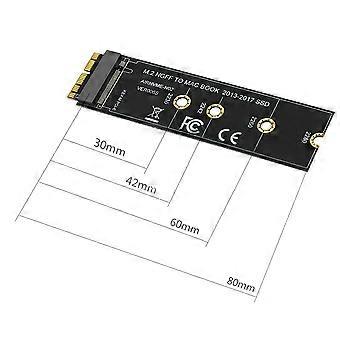
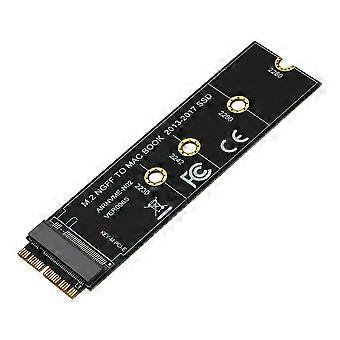
This M.2 PCIe nVME SSD convert adapter allows to upgrade SSD for 2013-2015 MacBook with large capacity NVME SSD. It is compatible with MacBook Air 11 inch A1465 & MacBook Air 13 inch A1466 (Mid 2013-2017), MacBook Pro (Retina) 13 inch A1502 & 15 inch A1398 (Late 2013 - Mid 2015), Mac Pro ME253 MD878. Requires macOS 10.13 High Sierra or Later; DO NOT compatible with earlier than macOS 10.13 versions. Please use your SSD to upgrades your macOS before installation. Support M.2 NVME/AHCI SSD such as Samsung 960 EVO, Samsung 970 EVO/PRO (Not support 960 EVO Plus), WD Black, Crucial P1, HP EX920, for ADATA SX8200, Intel 600p series NVME SSD and so on. It can't support recovering from internet, important to prepare bootable USB disk driver(M.2 PCIe has no OS systerm inside,it must be erased first). Type:Cable Adapter How to use: 1. Make sure to install the High Sierra on your old drive, so that a newer firmware is installed that can handle NVME. 2. For your old driver, please do a full backup via Time Machine. 3. Create a High Sierra Installer on a bootable USB stick. 4. Open the macbook and disconnect the battery while switching out the drive and make sure both adapter and SSD sit snug. 5. Reconnect the battery before closing the shell. 6. Insert the Installer USB stick from step 2, and press the option key while the machine starts. 7. Finally, once it's up you can now go to the disk utils to format and install the MAC OS. Notice: 1. You are kindly reminded that macOS failed on resume from hibernating with some NVME SSDs of some brands. Have to turn off laptop all the time instead of close the lid and go. 2. Please insert our adapter fully into SSD slot and you must prepare bootable USB disk(see third point) with High Sierra to format M.2 SSD first, it can't support recover from internet. 3. There are many customers can use it, so we suggest you to try it again if your MAC can't detect nVME SSD. colour:black Material:PCB Size:25 x 90mm Package Contents: 4 x Adapter card
  • Identifiant Fruugo: 463406491-975260447
  • EAN: 6031148240540

Informations sur la sécurité des produits

Veuillez consulter les informations de sécurité du produit spécifiques à ce produit décrites ci-dessous.

Les informations suivantes sont fournies par le détaillant tiers indépendant vendant ce produit.

Numéro de pièce du fabricant: I750056152
Numéro de série: I750056152

Livraison & retours

Expédition dans les 24 heures

  • STANDARD: 3.49 CHF - Livraison entre jeu. 19 février 2026–mer. 25 février 2026

Expédition de Chine.

Nous mettons tout en œuvre pour que les produits que vous commandez vous soient livrés dans leur intégralité et selon vos indications. Néanmoins, si vous recevez une commande incomplète, des articles différents de ceux commandés ou si, pour toute autre raison, la commande ne vous satisfait pas, vous pouvez retourner la commande ou tout produit inclus dans celle-ci et recevoir un remboursement complet des articles. Voir l'intégralité de la politique de retour