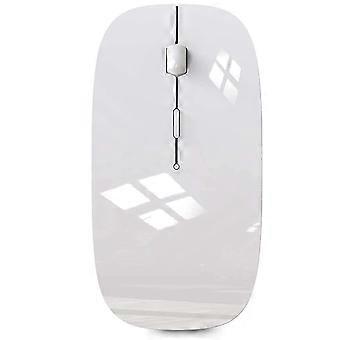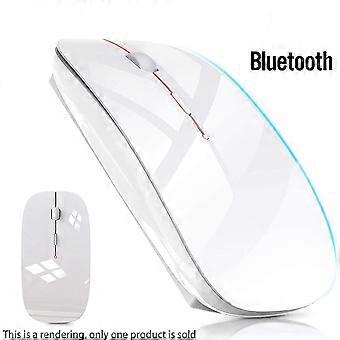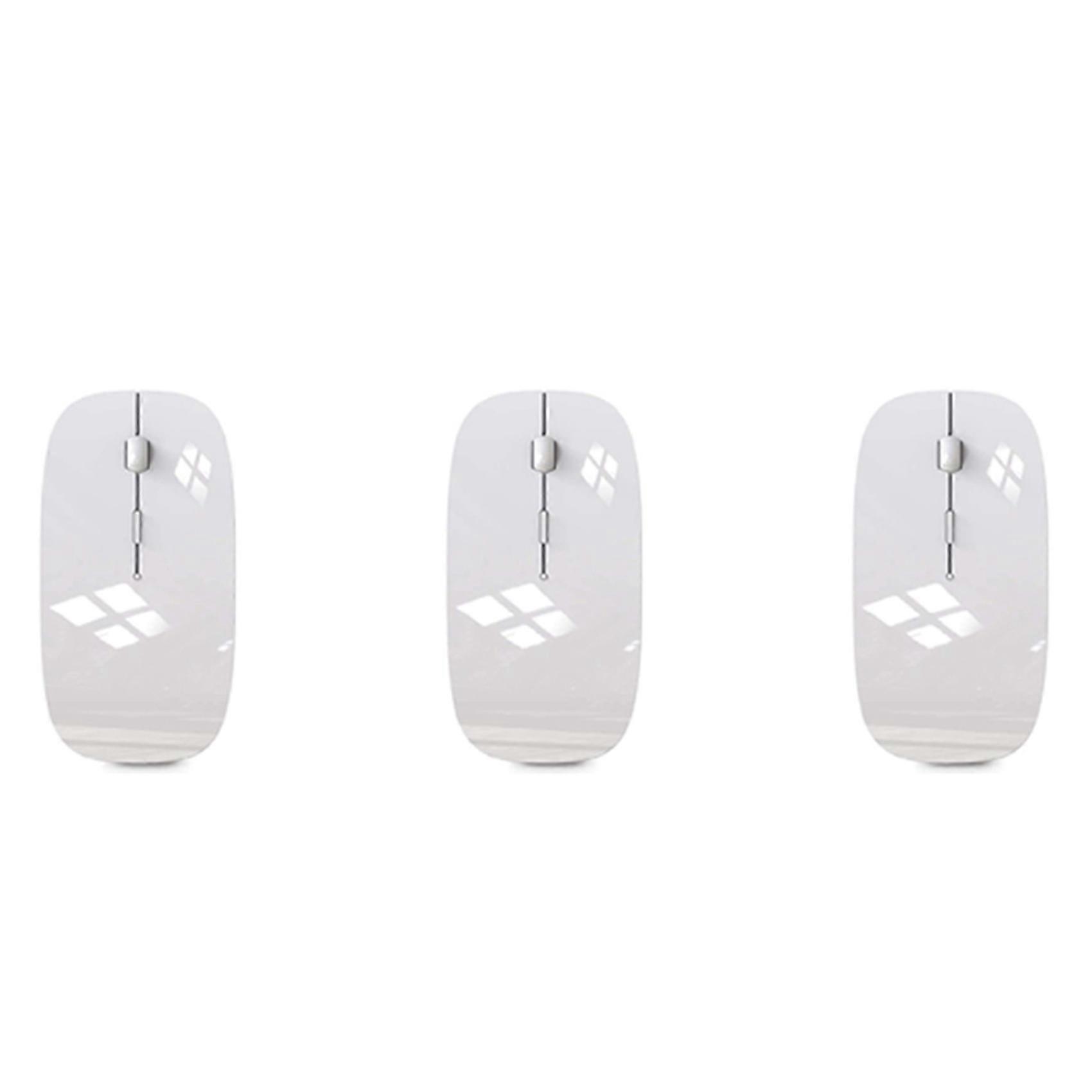
3X Wireless Mouse for MacBook Air Bluetooth Mouse for MacBook Pro Air Laptop MacBook Mac Windows Bluetooth Mouse

20.95 CHF
+ 3.99 CHF Livraison

3X Wireless Mouse for MacBook Air Bluetooth Mouse for MacBook Pro Air Laptop MacBook Mac Windows Bluetooth Mouse

  • Marque: Unbranded
Verkocht door:

3X Wireless Mouse for MacBook Air Bluetooth Mouse for MacBook Pro Air Laptop MacBook Mac Windows Bluetooth Mouse

  • Marque: Unbranded

20.95 CHF

En stock
+ 3.99 CHF Livraison

Politique de retour sur 14 jours

Verkocht door:

20.95 CHF

En stock
+ 3.99 CHF Livraison

Politique de retour sur 14 jours

Modes de paiement:

Description

3X Wireless Mouse for MacBook Air Bluetooth Mouse for MacBook Pro Air Laptop MacBook Mac Windows Bluetooth Mouse

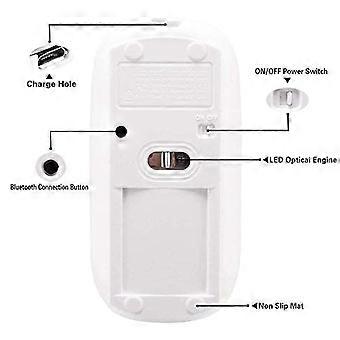
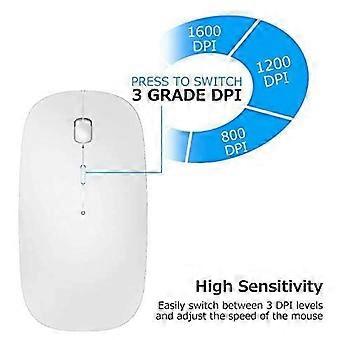
[Best compatible Bluetooth 4.0 chip]-Compatible with more than 99% Bluetooth devices. Connect iPad 10.2 2019, iPad 9.7 inches 2018, iPad 9.7 2017, iPad Pro 12.9 inches / 11.0 inches / 10.5 inches / 9.7 inches, iPad Air 10.5 / Air 2, iPad mini 5/ 4, iPhone 11 Pro Max, iPhone 11 Pro, iPhone 11, iPhone Xs Max, etc. PC, Macbook pro air 2012/2017/2018/2019 laptop, laptop, Mac OS; support Win7 Win8 Win10 Linux OS X or Android tablet Comfortable Contact and ultra-thin design: symmetrical and ergonomic design makes this wireless Bluetooth mouse suitable for left and right hands. Excellent surface coating technology brings you a Contact like skin. Ultra-thin and portable, the mouse can be used anytime and anywhere during travel. Very suitable for use at work/study/play. Mute click and adjustable DPI: The special silent design of the left and right buttons allows you to focus on work or playing games without disturbing others. Switch between DPI levels 800, 1200 and 1600 to meet your needs with high precision. Advanced optical tracking technology ensures greater sensitivity and can accurately track on various surfaces. Rechargeable and saving Erengy: The mouse has a built-in rechargeable battery with a charging cable. No need to replace the battery. In order to save power and long-term use, the mouse will automatically enter sleep mode after 11 minutes of inactivity, just click any button to wake it up. How to use a Bluetooth mouse: turn on the mouse switch, open the computer system preferences, and turn on the Bluetooth function. When the computer Bluetooth shows that it is searching for nearby Bluetooth devices, you need to hold down the "black button" at the bottom of the mouse and hold down 3-6 Seconds, then your computer will display the Bluetooth mouse when searching for the device, then click to connect it, and then successfully connect Howto update the software version? (Open iPad settings and click General to find the software update function) Click Download to inst
  • Identifiant Fruugo: 464010625-976231970
  • EAN: 6033282289089

Informations sur la sécurité des produits

Veuillez consulter les informations de sécurité du produit spécifiques à ce produit décrites ci-dessous.

Les informations suivantes sont fournies par le détaillant tiers indépendant vendant ce produit.

Numéro de pièce du fabricant: I750117526
Numéro de série: I750117526

Livraison & retours

Expédition dans les 24 heures

  • STANDARD: 3.99 CHF - Livraison entre lun. 16 février 2026–ven. 20 février 2026

Expédition de Chine.

Nous mettons tout en œuvre pour que les produits que vous commandez vous soient livrés dans leur intégralité et selon vos indications. Néanmoins, si vous recevez une commande incomplète, des articles différents de ceux commandés ou si, pour toute autre raison, la commande ne vous satisfait pas, vous pouvez retourner la commande ou tout produit inclus dans celle-ci et recevoir un remboursement complet des articles. Voir l'intégralité de la politique de retour