compatible with Epson Printer Cleaning Kit Flush Cleaner Unblock Print fits Head-jianc

46.95 CHF
+ 11.99 CHF Livraison

compatible with Epson Printer Cleaning Kit Flush Cleaner Unblock Print fits Head-jianc

  • Marque: Unbranded
Verkocht door:

compatible with Epson Printer Cleaning Kit Flush Cleaner Unblock Print fits Head-jianc

  • Marque: Unbranded

46.95 CHF

Économisez 17.05 CHF (26%)

Prix de vente recommandé

64.00 CHF
En stock
+ 11.99 CHF Livraison

Politique de retour sur 14 jours

Verkocht door:

46.95 CHF

Économisez 17.05 CHF (26%)

Prix de vente recommandé

64.00 CHF
En stock
+ 11.99 CHF Livraison

Politique de retour sur 14 jours

Modes de paiement:

Description

compatible with Epson Printer Cleaning Kit Flush Cleaner Unblock Print fits Head-jianc

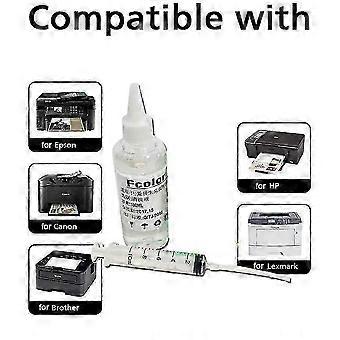
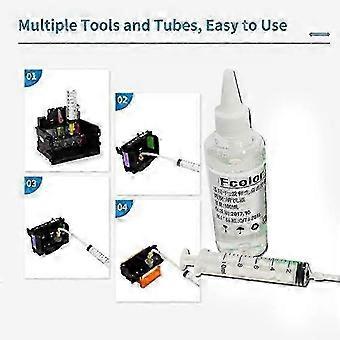
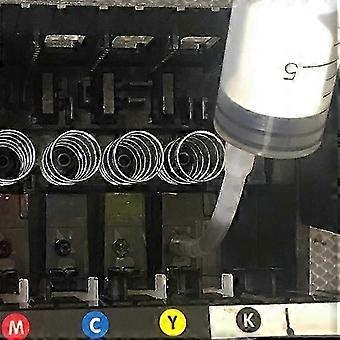
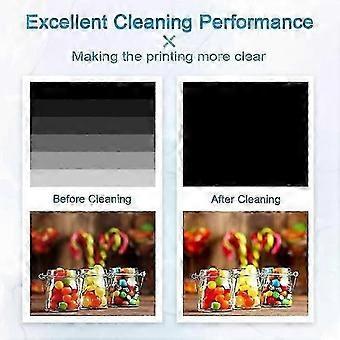
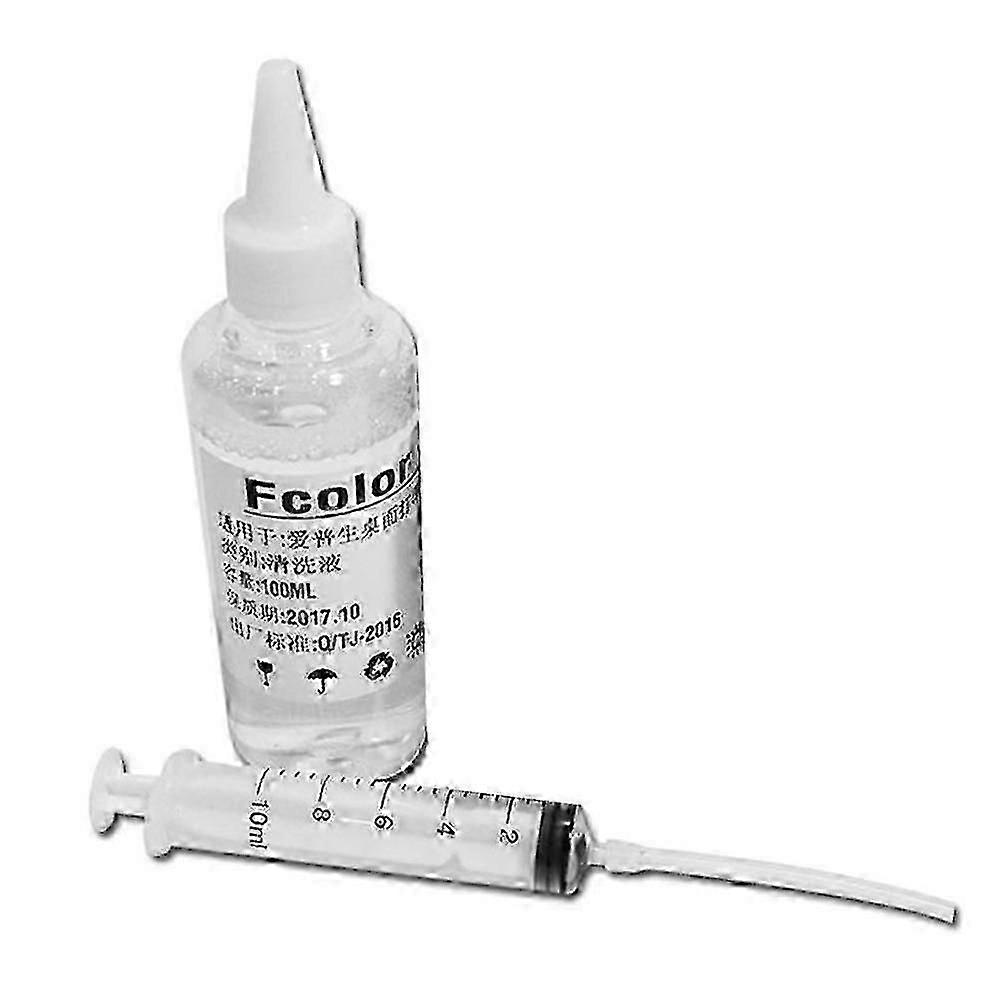
for Epson Printer Cleaning Kit Flush Cleaner Unblock Print fits Head-jianc Application process: Wet and soak solvent nozzles. Applicable models: 4-color/5-color/6-color/8-color/9-color/10-color/12-color desktop inkjet printer Product use: Clean the nozzle (print head) of the inkjet printer to make the printing ink smoother and protect the printer nozzle to extend its service life. Specific application: This product can clear most of the nozzle clogging and print disconnection caused by various reasons; it is simple to operate, easy to use, and does not damage the nozzle, just a few minutes! Net content: 100ml Cleaning steps: (procedures)↓ 1) Press the ink drop button to change the ink cartridge on the printer, the carriage will move to the position where the ink cartridge is replaced, and unplug the power cord; ↓ 2) Open the car cover and take out the ink cartridge; ↓ 3) Use a syringe to draw out some special cleaning fluid from the cleaning fluid bottle. ↓ 4) Put the small rubber tube on the syringe on the ink outlet in the carriage. (See the figure below for details) ↓ 5) Pour 1~2ml of special cleaning liquid into the ink outlet. → 6) Repeat the above steps for each ink outlet one by one. → 7) When the power is off, put the ink cartridge back into the carriage and cover the carriage cover. Place the printer for 2-3 hours (according to the clogging of the print head), and pay attention to keeping the power off. → 8) After 2-3 hours, turn on the power again and perform the nozzle cleaning operation. 9) Please clean the ink outlet at least once every 1 to 2 months. Such maintenance can prolong the service life of the printer. The package includes: 1*cleaning fluid 1*Needle tube
  • Identifiant Fruugo: 513655700-1048722616
  • EAN: 9471821262358

Informations sur la sécurité des produits

Veuillez consulter les informations de sécurité du produit spécifiques à ce produit décrites ci-dessous.

Les informations suivantes sont fournies par le détaillant tiers indépendant vendant ce produit.

Étiquettes de sécurité des produits

CE Mark
Avertissements de sécurité: Important Safety Instructions Read Before Use: Please read all instructions and safety warnings before using this product. Failure to follow these guidelines may result in injury, damage, or malfunction. General Warnings Intended Use: Use this product only for its intended purpose as described in the user manual. Supervision Required: This product is not intended for use by children or persons with reduced physical, sensory, or mental capabilities without supervision. Inspection Before Use: Check for any signs of damage or wear before use. Do not use if damaged.

Livraison

Expédition dans un délai de 5 jours

  • STANDARD: 11.99 CHF - Livraison entre mar. 04 août 2026–mar. 11 août 2026

Expédition de Chine.

Retours

Nous mettons tout en œuvre pour que les produits que vous commandez vous soient livrés dans leur intégralité et selon vos indications. Néanmoins, si vous recevez une commande incomplète, des articles différents de ceux commandés ou si, pour toute autre raison, la commande ne vous satisfait pas, vous pouvez retourner la commande ou tout produit inclus dans celle-ci et recevoir un remboursement complet des articles.

Voir l'intégralité de la politique de retour