Description
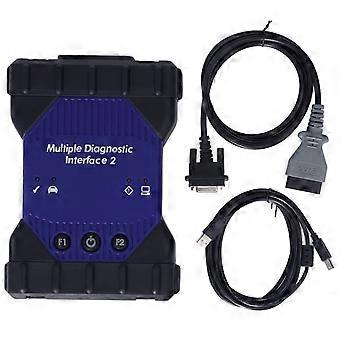
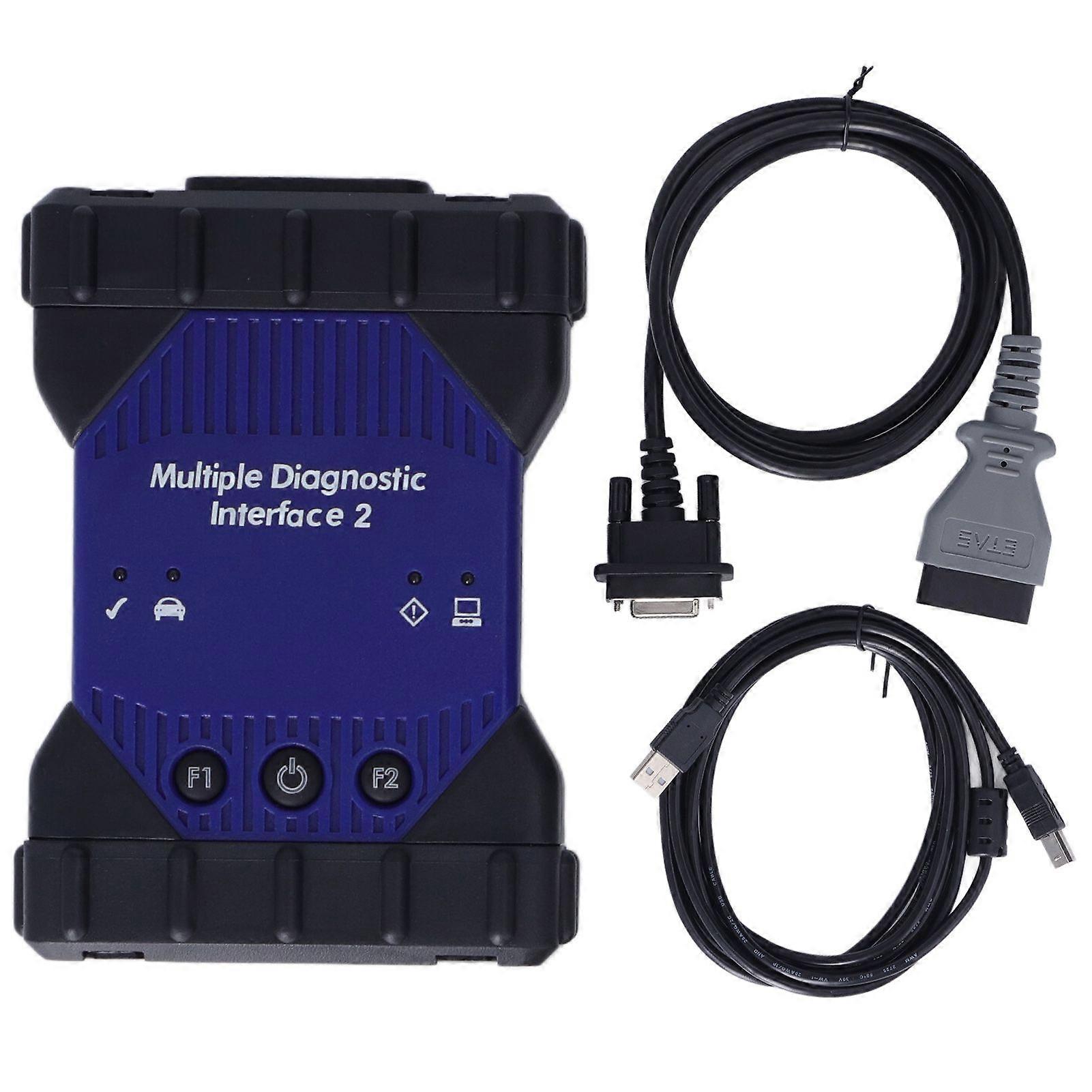
MDI2 Multiple Diagnostic Interface OBD2 Car Communication Interface Diagnostics Scanner Tool
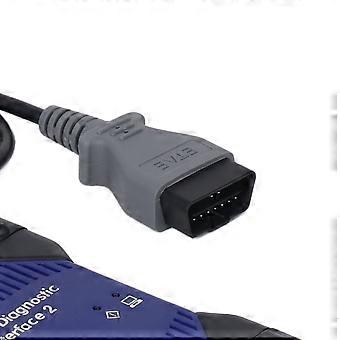
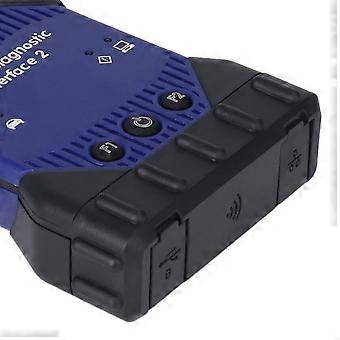
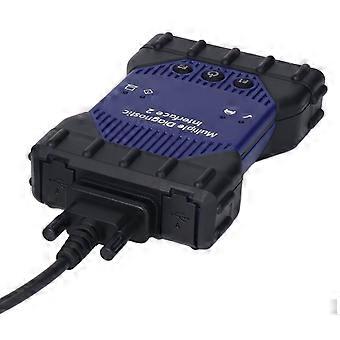
Feature:1. Practical: MDI2 multiple diagnostic interface scanner is used by professional technicians as an aid in diagnosing and repairing automotive electrical and electronic systems.2. Power Supply: The multiple diagnostic interface 2 scanner is powered from the vehicle battery via the for DLC cable, may also be powered over USB to perform firmware updates only using a PC.3. Excellent Performance: Uses USB 2.0 for faster firmware downloads rather than a separate AC power supply. More secure Type B connector and Ground Offset Failure protection.4. DLC Cable: DLC cable is longer than the previous cable and connects at the top, making it easier to use. The cable only connects to the MDI 2. A wired connection is recommended for longer programming events.5. Easy to Use: Connect the vehicle to a host PC computer application, then functions through the MDI 2 for data transfer and Electronic Control Unit ECU reprogramming, convenient for using.Specification:Item Type: Multiple Diagnostic InterfaceMaterial: ABS.Features:Uses a new, more secure Type B connector and Ground Offset Failure protection. A wired connection is recommended for longer programming events.The MDI 2 is powered from the vehicle battery via the DLC Cable. It may also be powered over USB to perform firmware updates only using a PC.Uses USB 2.0 for faster firmware downloads instead of a separate AC power supply.The DLC cable is twice as long as the previous cable and connects at the top, making it easier to use. The cable only connects to the MDI 2. Automatic vehicle recognitionDTC reading and removalComplete list of live data streaming for all main ECURecordable, playback of live dataNew software flash for existing ECU to fix drivability issuesProgramming and installation of new ECU (PCM, ABS, Instrument cluster, fuel pumps etc.)Programming new keysSetting, removing speed limitersJ2534 pass thru offering ECU re flash and diagnostics for other vehicle manufacturers, when subscribed to their specified softwareMore dealer specific functionsThe J2534 Configuration ApplicationThe Multiple Diagnostic Interface (MDI) is a J2534 device that connects between your computer and the vehicle’s J1962 DLC connector for pass thru programming of the vehicle's ECU. The J2534 ConfigurationApplication is installed onto your PC at the same time as the MDIManager software allowing you to control how your TIS 2 Web application will connect to an MDI. In addition, this application provides APIMonitoring controls to aid in investigating problems encountered while using any J2534 devices (including the MDI).To launch the J2534 Configuration Application from SPS, press the "configuration" button on the Diagnostic settings screen.Engine CompartmentCheck Engine Compartment for components which may be loose; kinked or pinched vacuum hoses or electrical connections, and for any other missing or disconnected components.Check to assure that hoses and electrical wires are properly routed to provide sufficient clearance with adjacent moving or hot parts.Observe the movement or free of movement of linkage, valves and other components.Check for unusual noises within the engine compartment.Visually inspect for seepage and leaks at hoses and pipe connections, seals, gaskets and plugs.Tighten clamps and connectors as necessary.Check power steering gear, lines and hoses for leaks and clearance with adjacent panels, moving or hot parts. Tighten clamps and connectors as necessary.Test engine coolant protection.Check all fluid levels; engine oil, transmission oil, power steering oil, battery, brake, and cooling system.Add inspection items as neededCheck throttle linkage for free at open and closed throttle.Check tension on all belts.Body AccessoriesCheck operation of all interior and exterior lights;Road TestRoad test on a route with road conditions permitting the proper evaluation of squeaks and rattles.During this test, check the following items for proper operation and function;Under Vehicle:Visually inspect vehicle undercarriage for looseness, missing componentsand line routing and clipping, and fluid leaks. Tighten clamps, couplings and connectors as necessary.Data transfer and Electronic Control Unit (ECU) reprogrammingShop network communications (LAN and WLAN)Future expandability, including diagnostic applicationsProtocols MDI 2 supportFor immediate use. At present, vehicles have two buses on the 16 pin connector (high speed and low speed GMLAN). The MDI communicates using all of the existing protocols, the same as the Tech2:UARTClass 2KWP2000GMLAN (CAN)Beginning with the 2008 model year vehicles, Pass Thru will be the only programming method available. (Remote will continue to be available for previous vehicleMDI GDS2 MDI gds tech2 win software for Sata HDD replacement for Vauxhall Opel System: for Win7 64bitSoftware Version: V2021.10.1Update time: Global V2021.10.1Supports vehicles till 2021Used for: Both China MDI USB version and MDI scanner wifi versionEasy to use:
-
Identifiant Fruugo:
426725459-895877181
-
EAN:
7708428510622
Livraison & retours
Expédition dans un délai de 2 jours
Expédition de Chine.
Nous mettons tout en œuvre pour que les produits que vous commandez vous soient livrés dans leur intégralité et selon vos indications. Néanmoins, si vous recevez une commande incomplète, des articles différents de ceux commandés ou si, pour toute autre raison, la commande ne vous satisfait pas, vous pouvez retourner la commande ou tout produit inclus dans celle-ci et recevoir un remboursement complet des articles. Voir l'intégralité de la politique de retour